I- HOW TO BUILD EASILY YOUR « STEP BY STEP » SEARCH ENGINE:
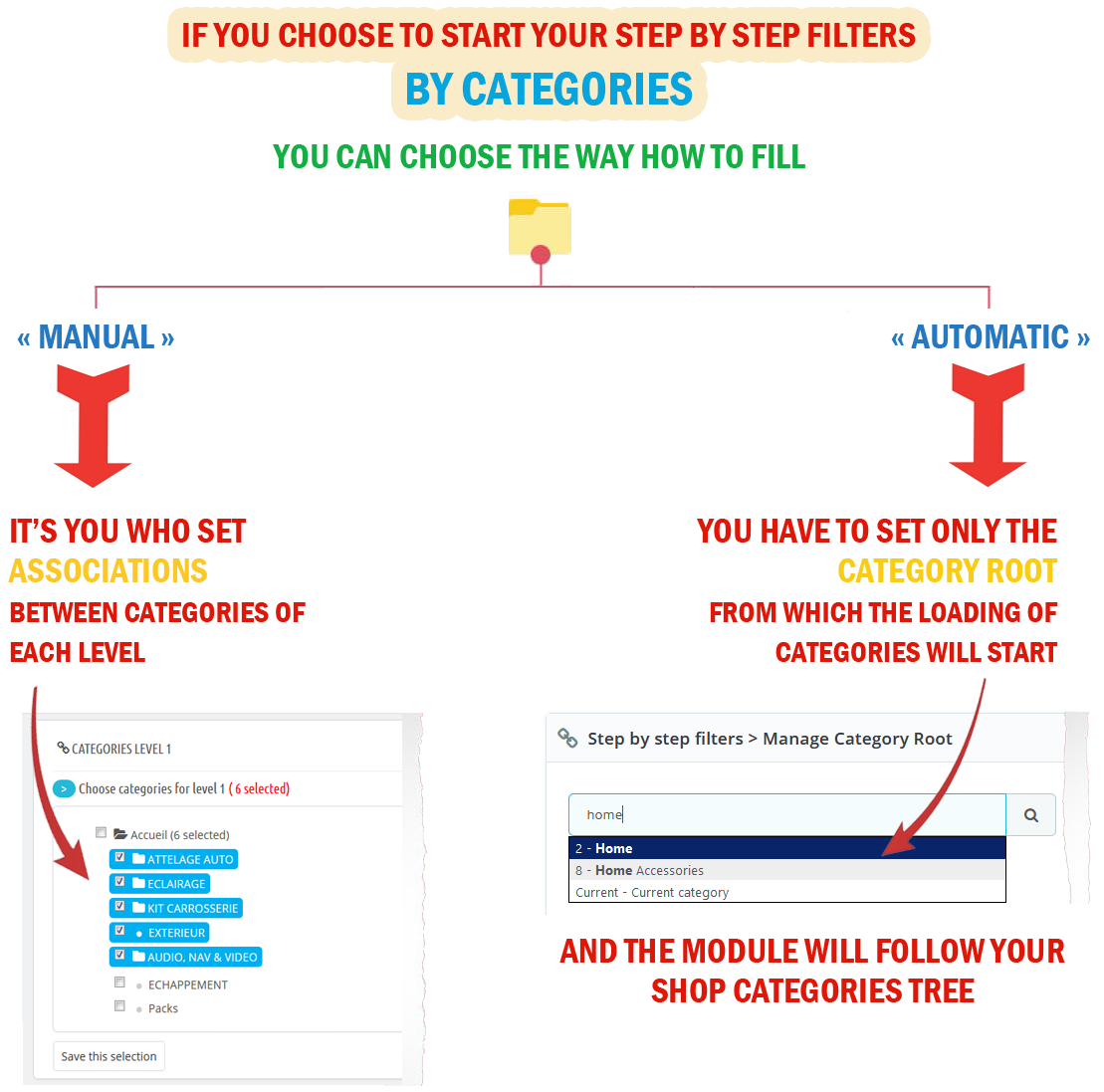
- Set the level number and which data you want to use for « Step by Step » navigation system.
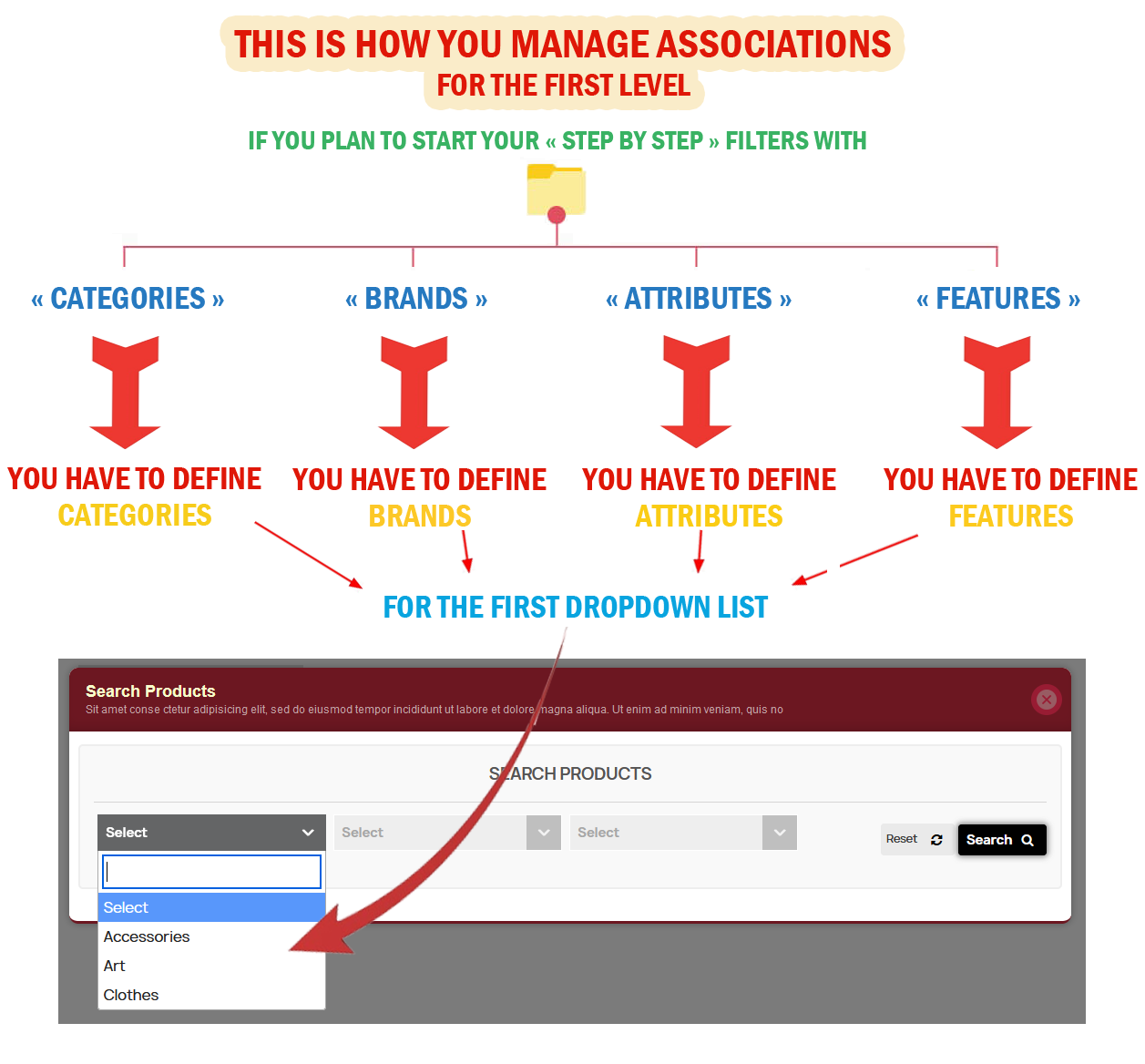
- Manage first level: this level is the starting point of the « Step by Step » navigation system. The data filling mode is either manual or automatic.
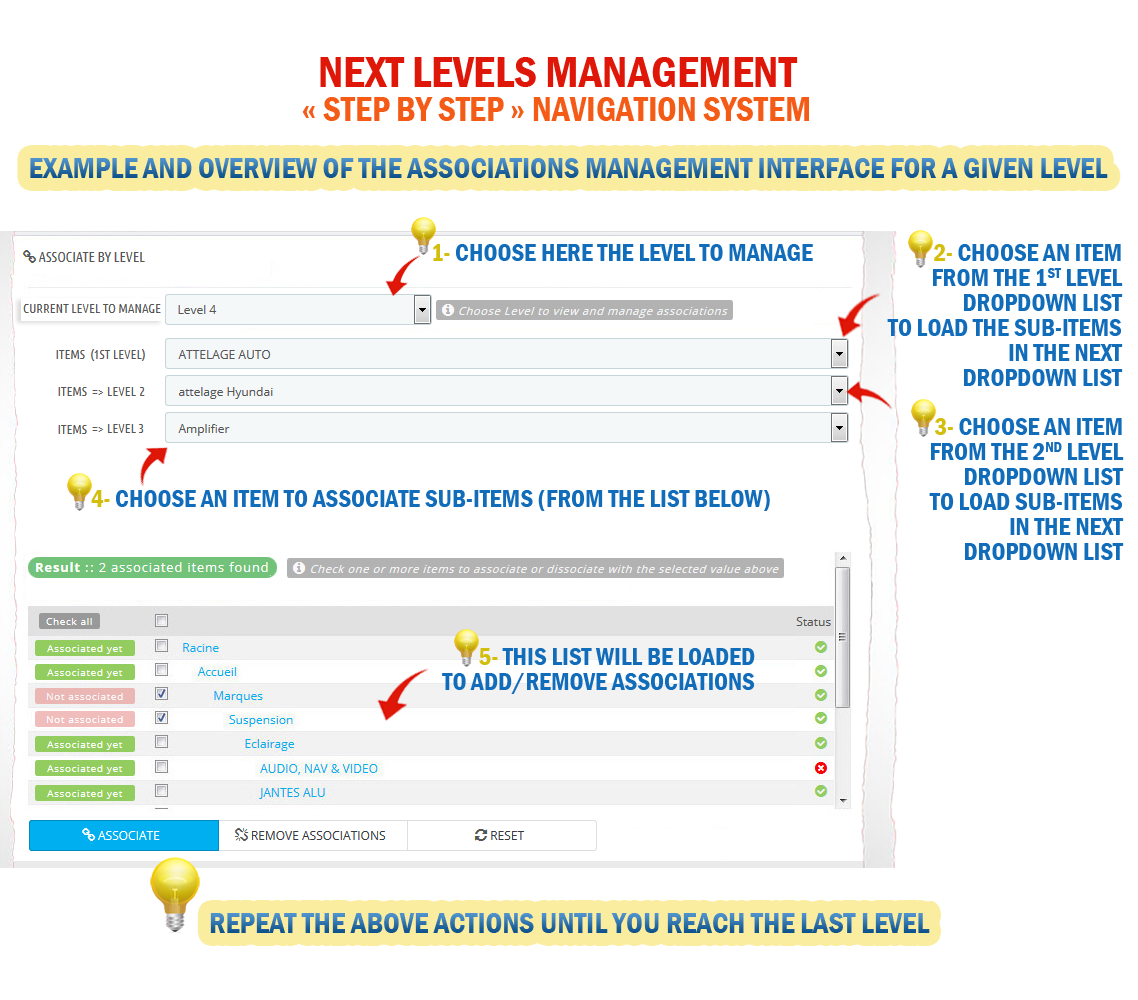
- If the data filling mode is manual, define the associations between the items of each level until reaching the last one.
II - MAIN FEATURES:
- Multi search engines and Multi-levels.
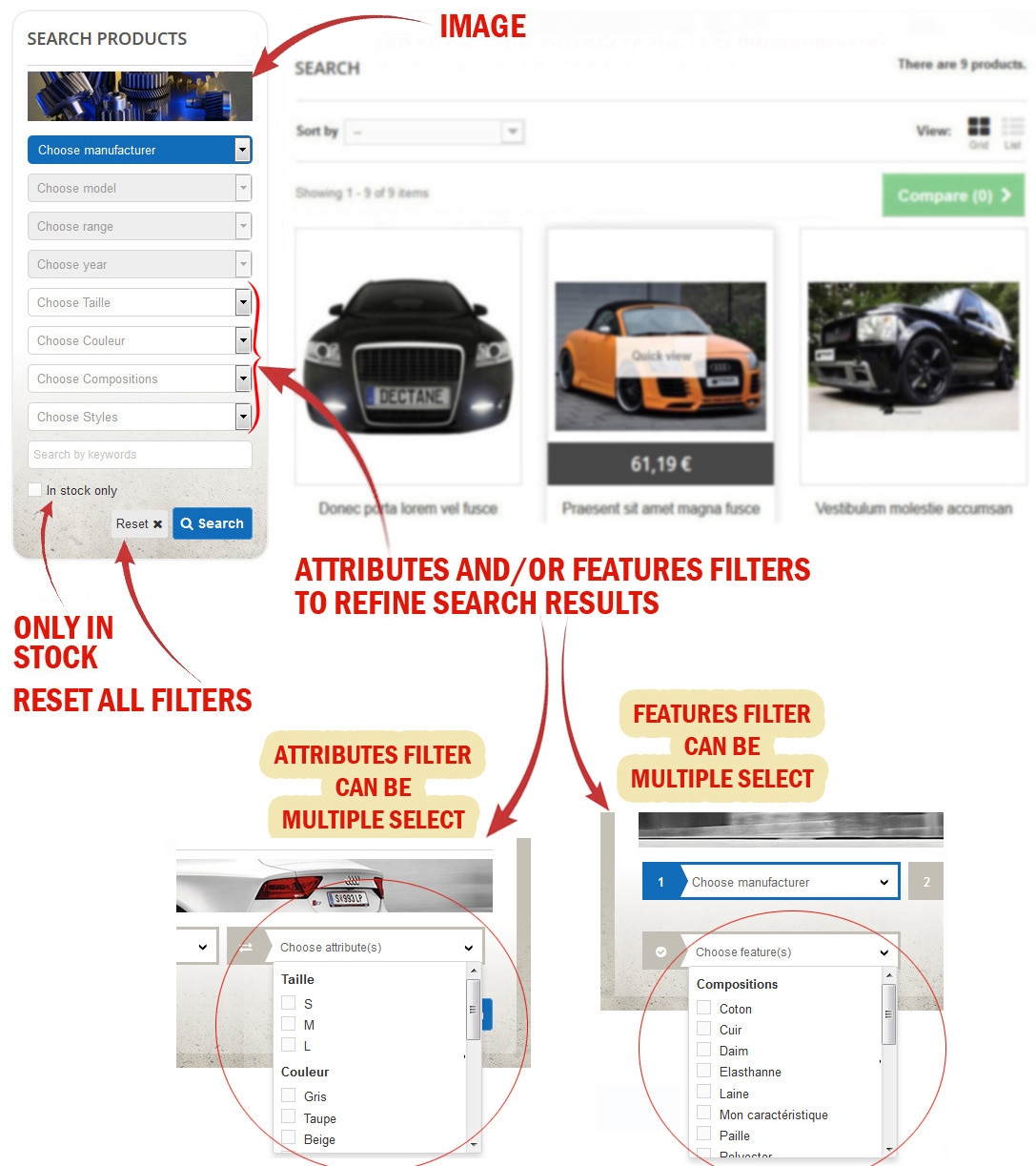
- Several additional filters are available to further refine your search.
- Making available the additional filters only on result page.
- Make available additional filters only on result page to refine further looking for products.
- Display categories block related to the selected filters above the search results page.
- Use infinite Scroll system with vertical scrolling on your search results listing the products and get rid of the classic "pagination" system.
- Build normal search without using « step-by-step » system navigation.
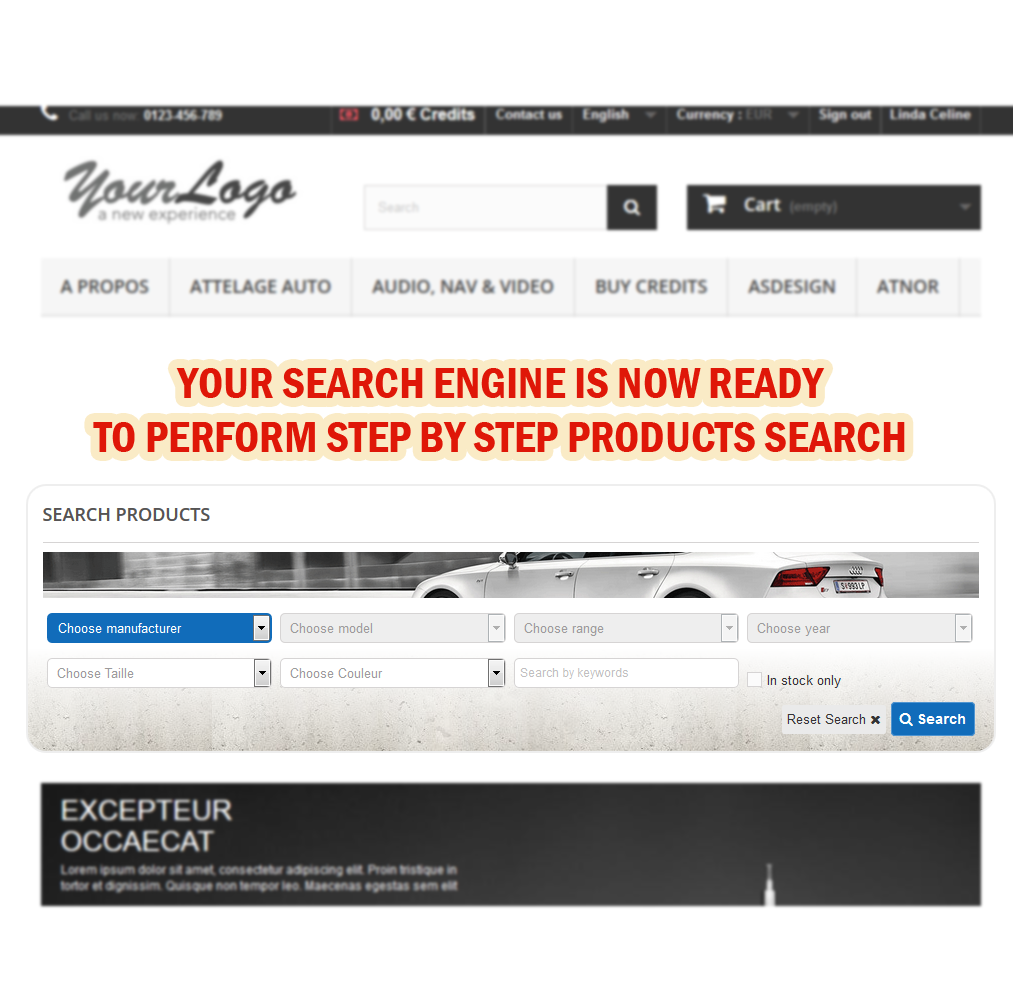
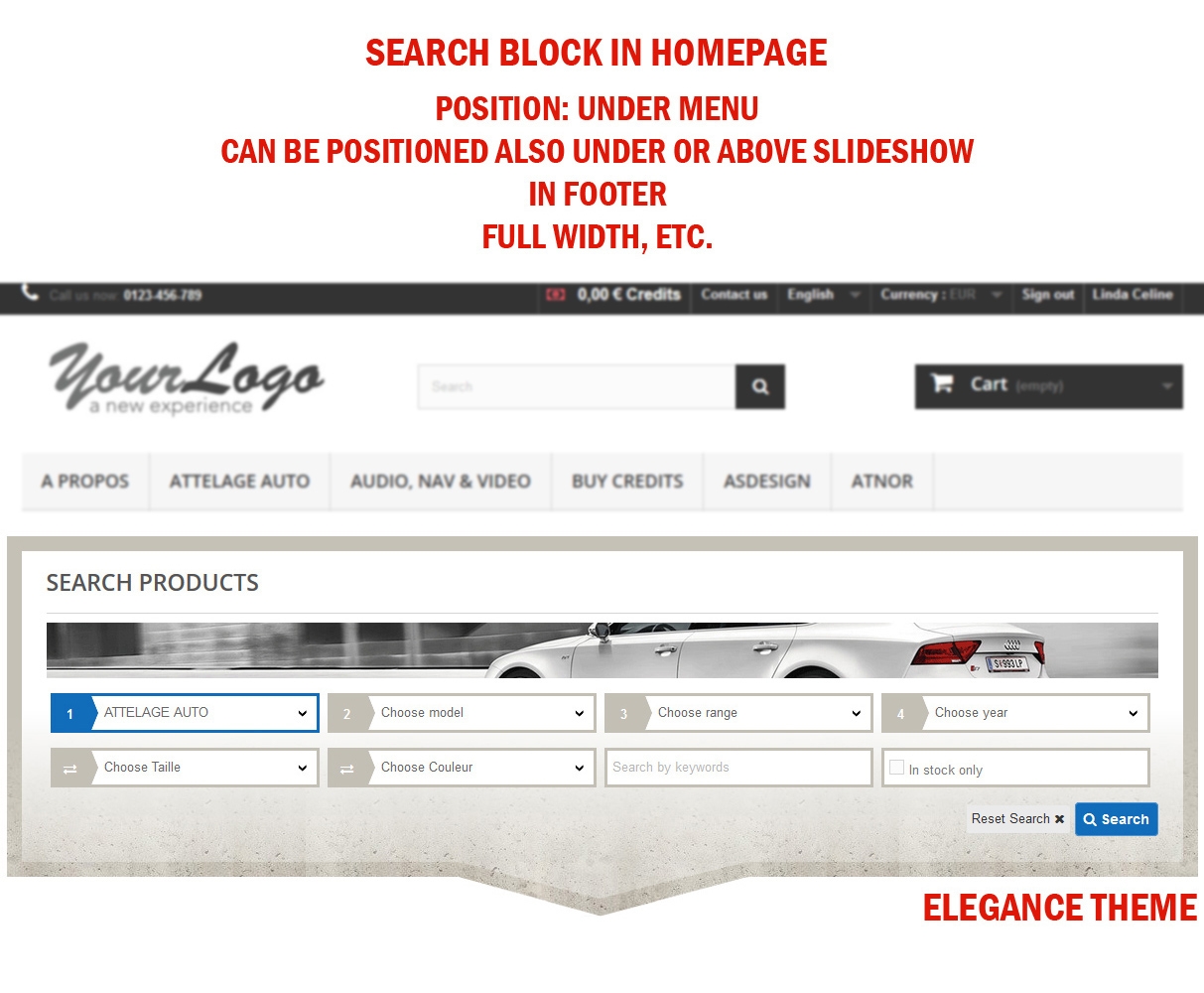
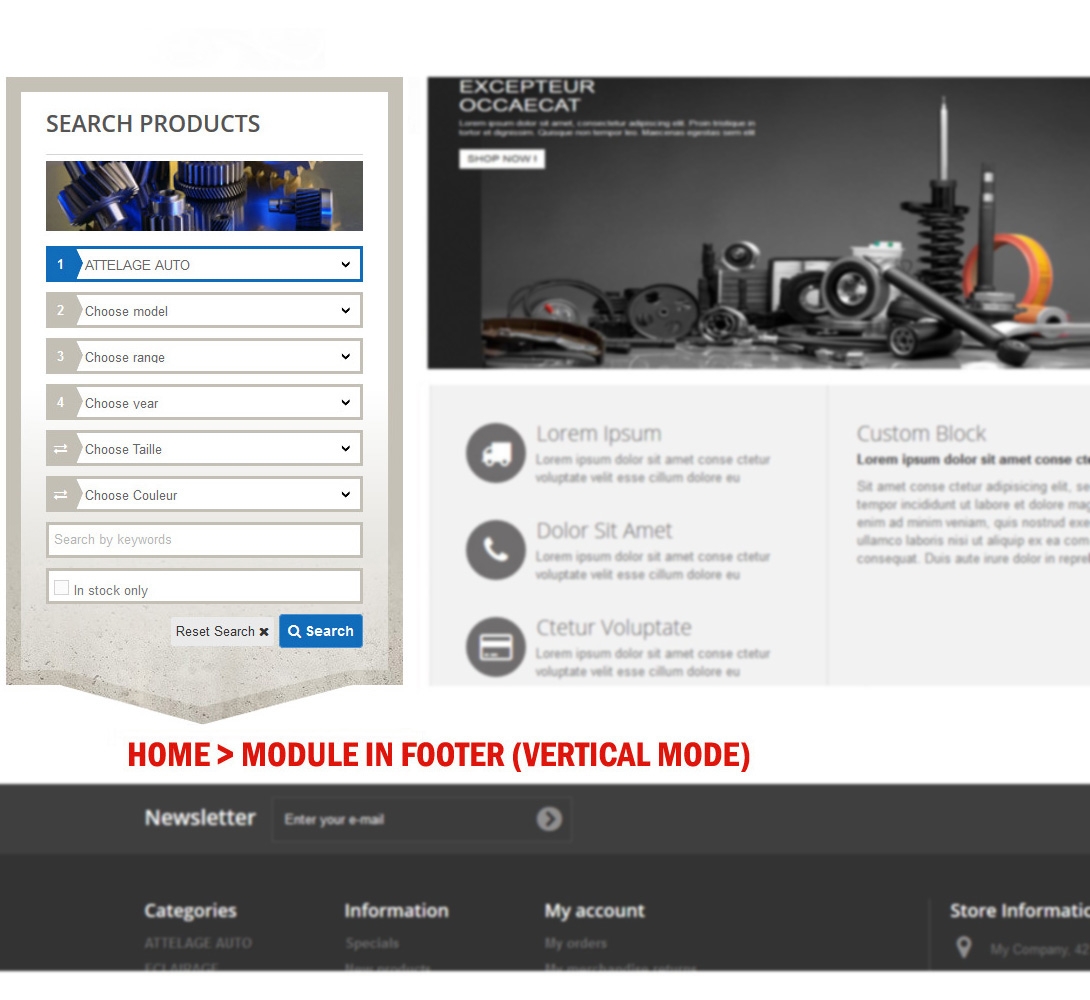
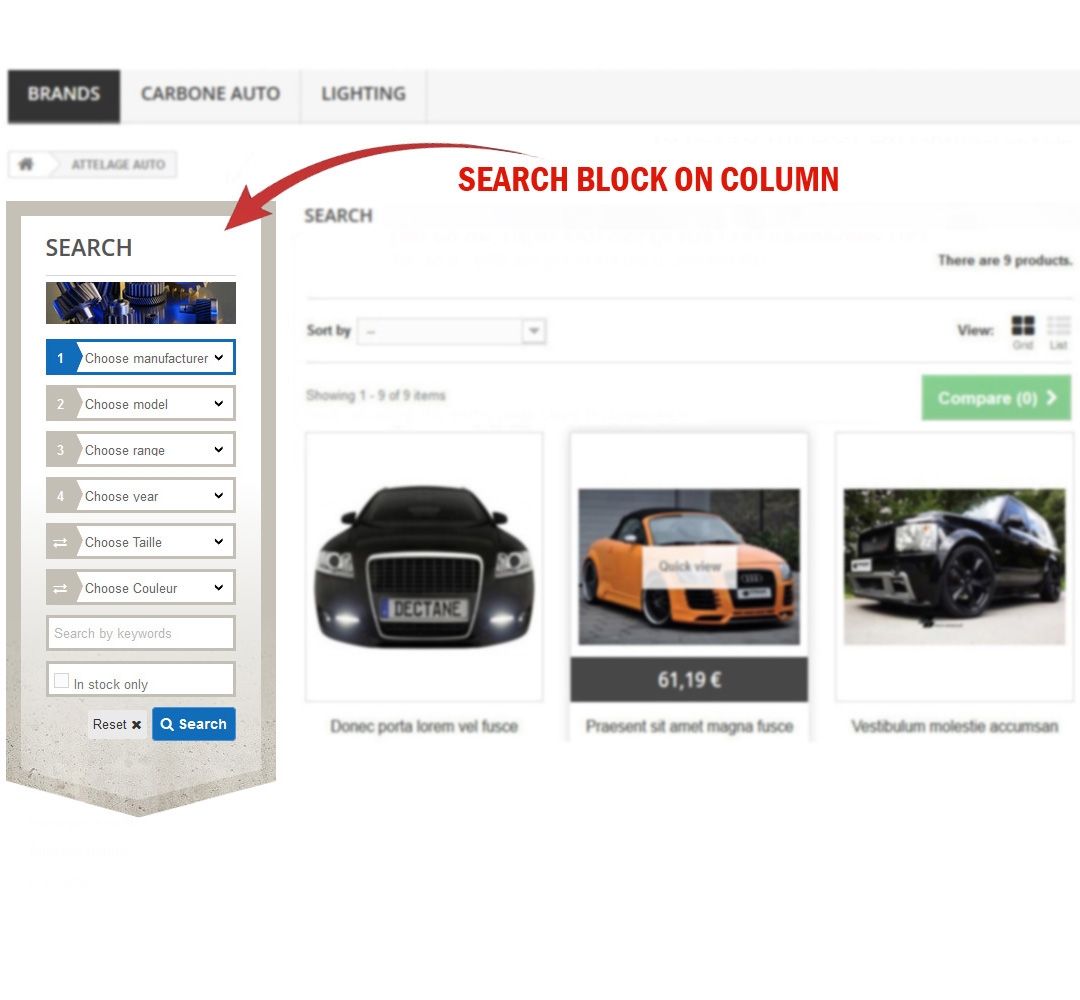
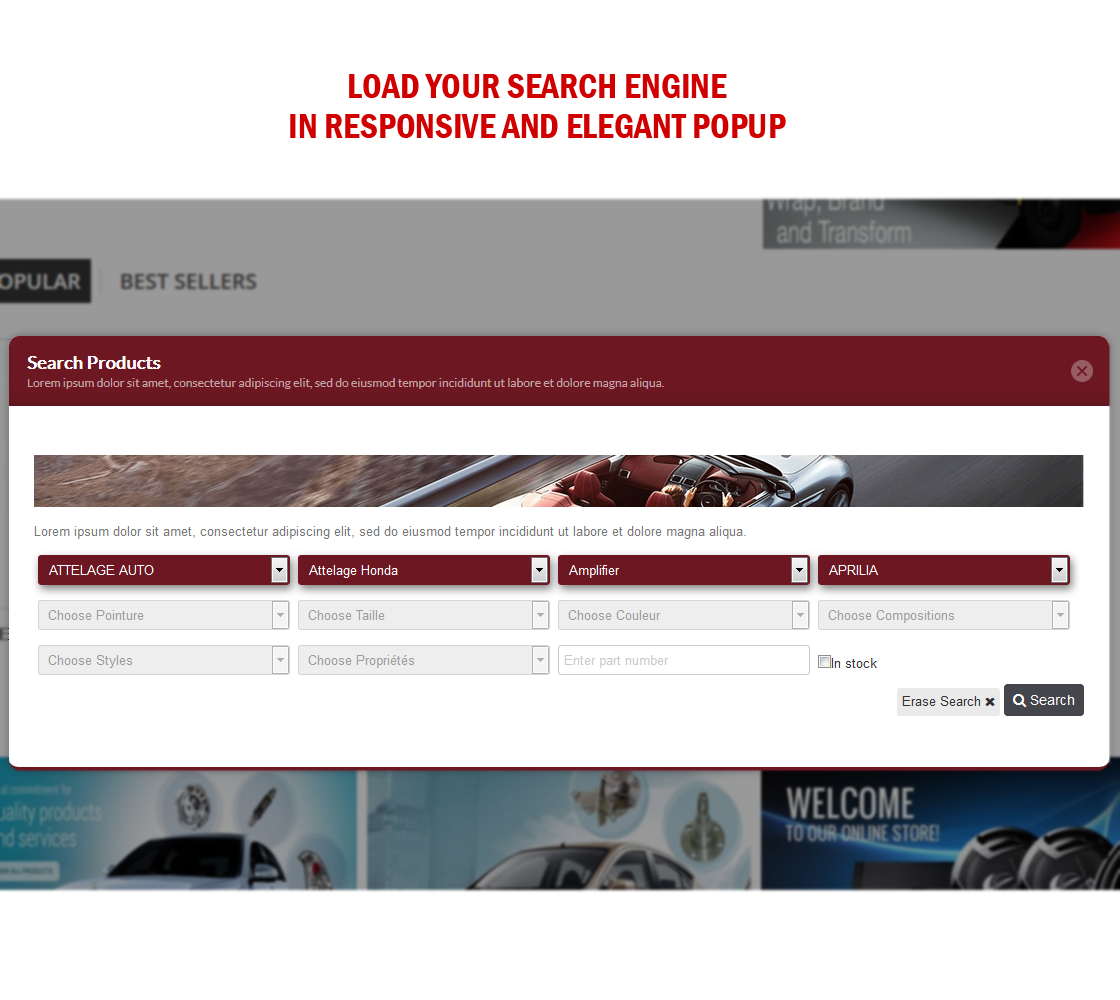
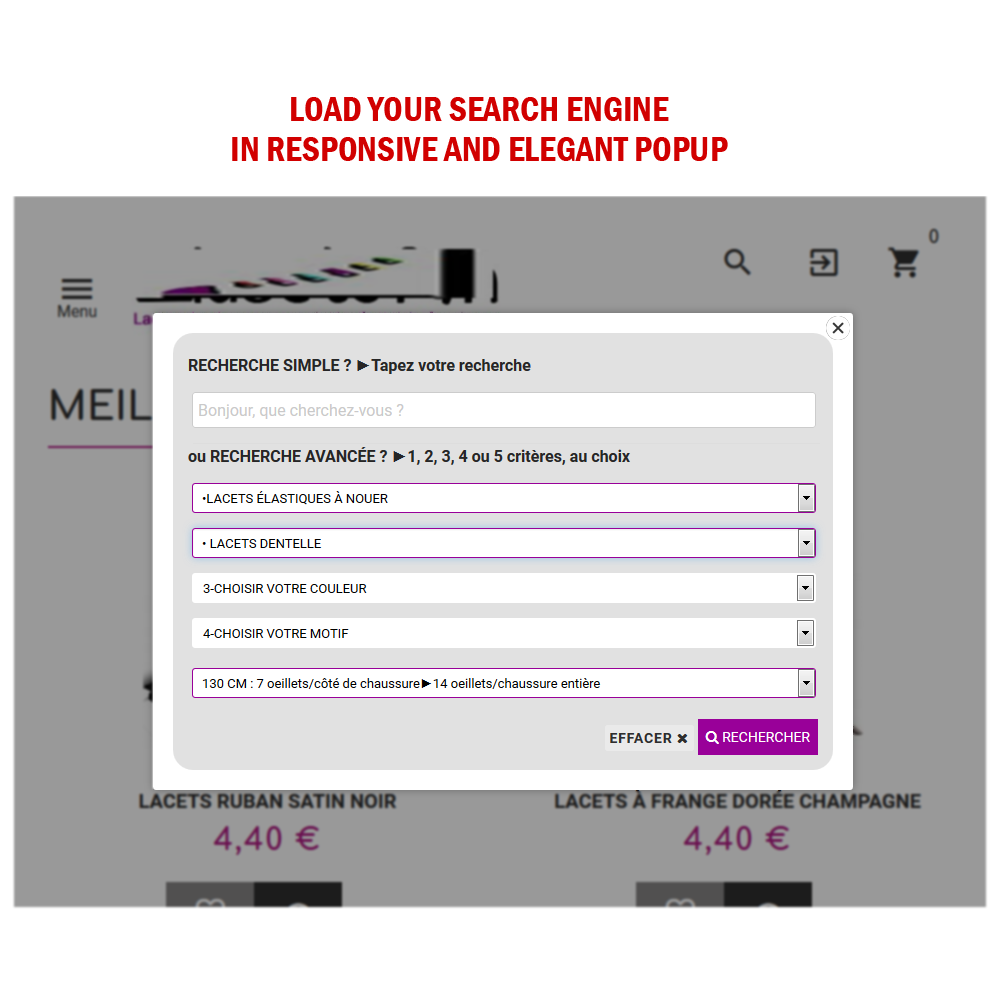
- Place your search engine in homepage, on column, inside an elegant and responsive popup or by creating a custom hook to place it in the location of your choice in your template.
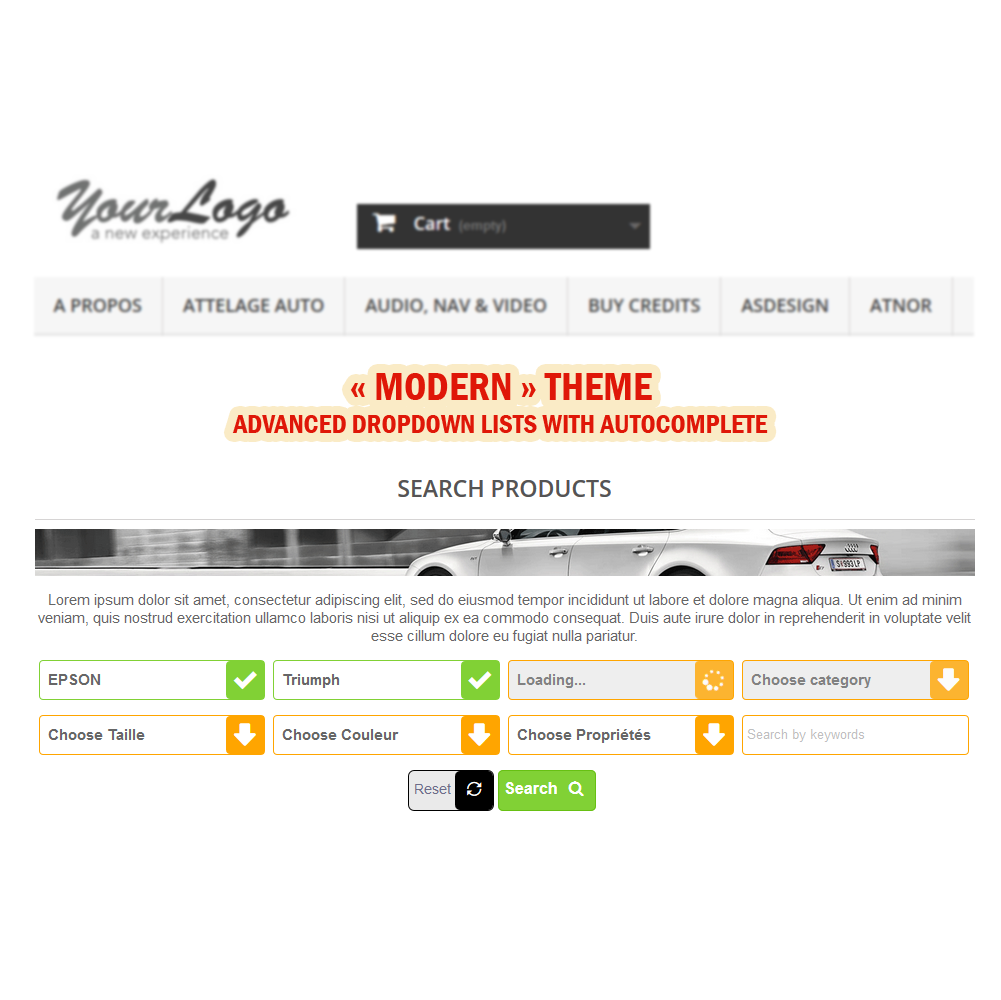
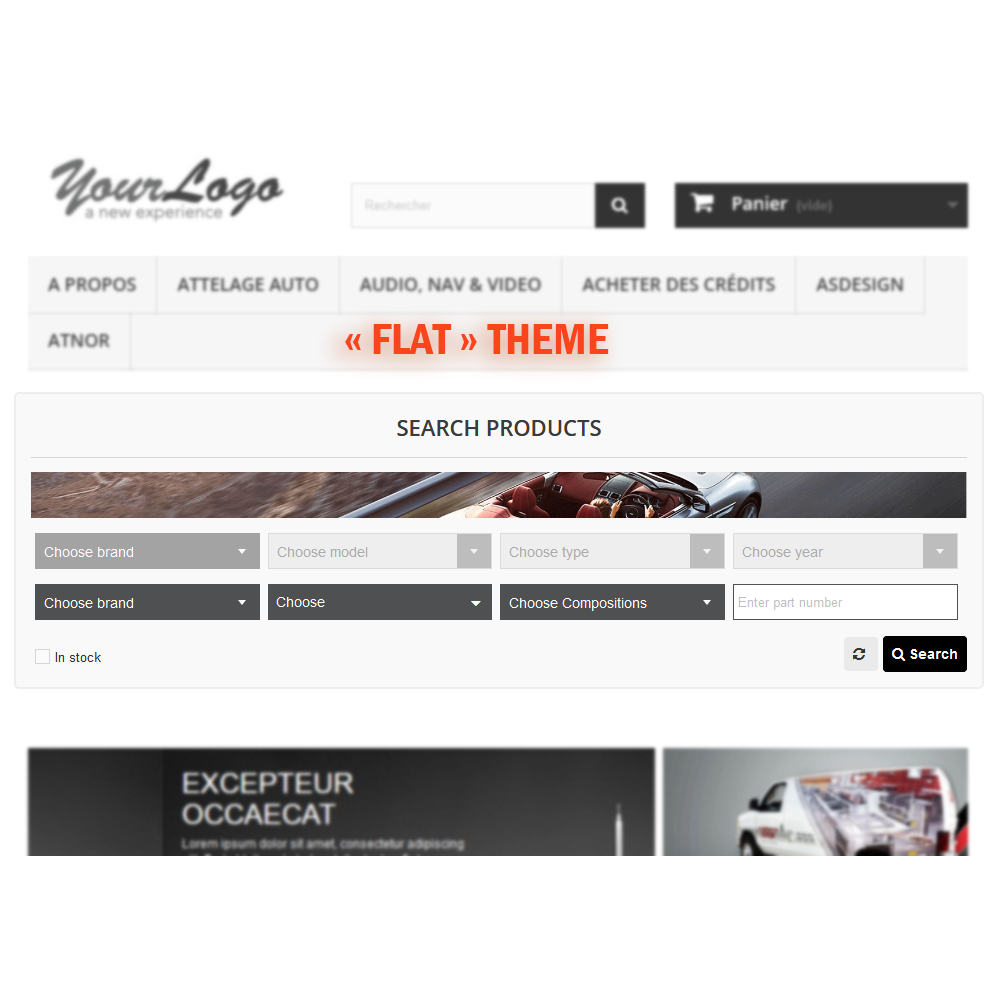
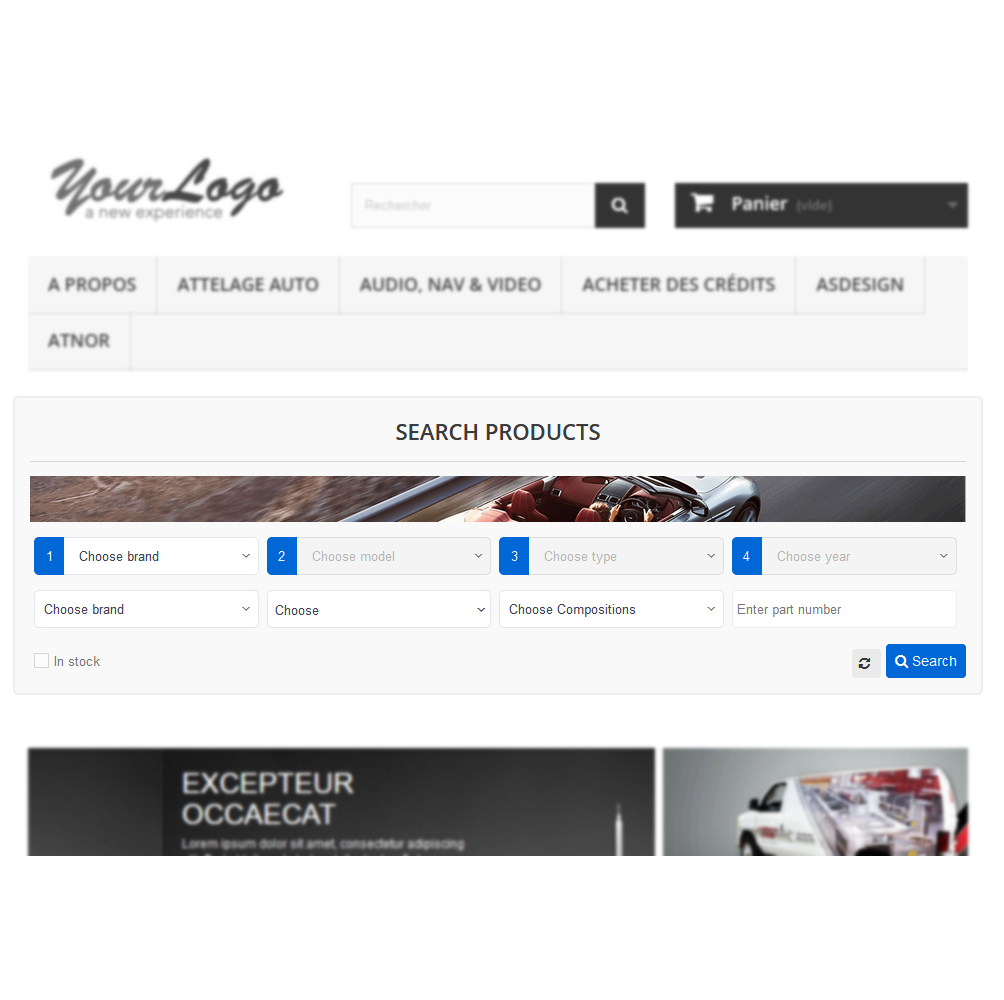
- Beautiful themes are available to customize the looking of your search engine.
- More options to full control the appearance with the ability to define your custom styles.
- Display an image above the search engine.
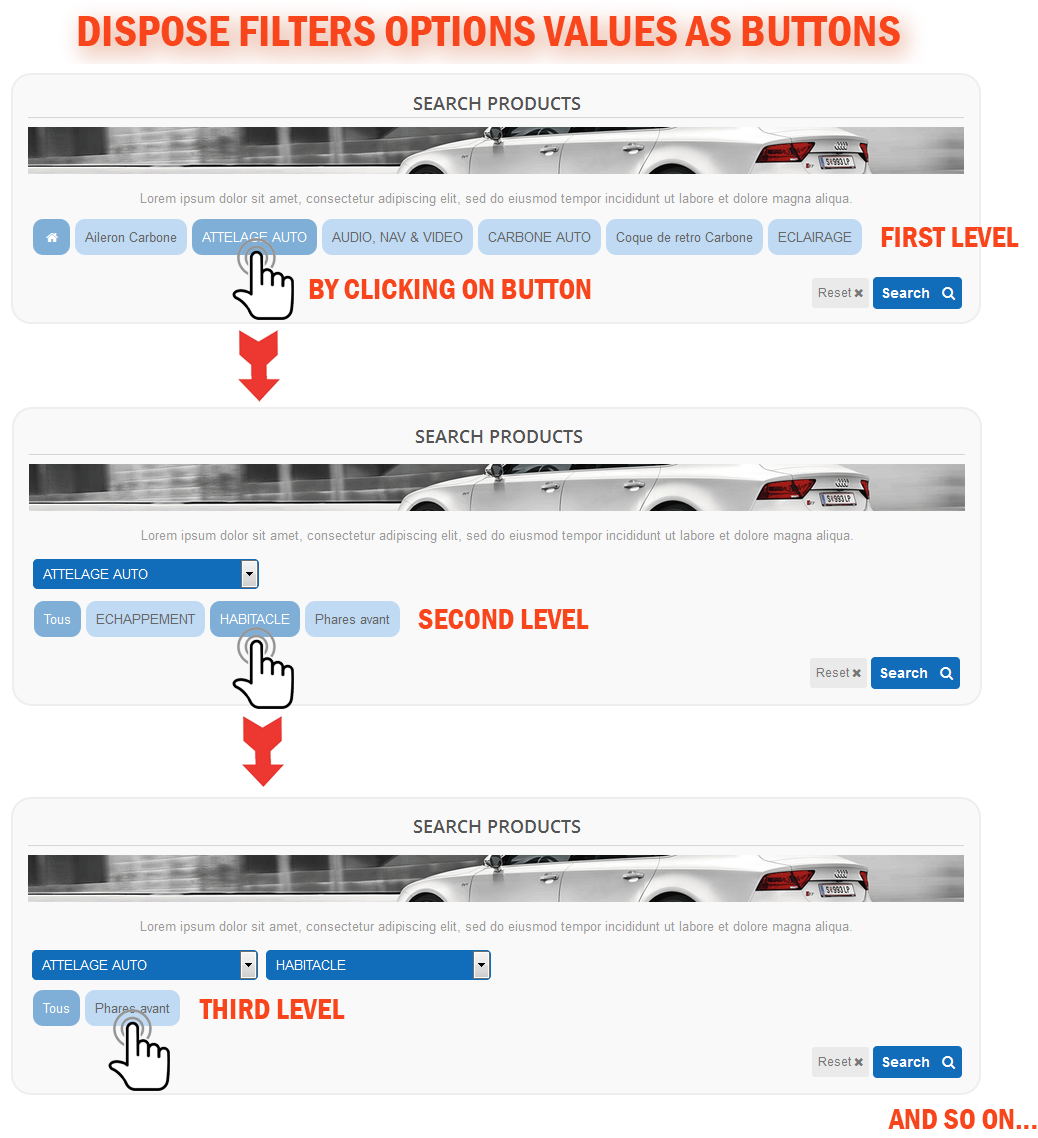
- Dispose « step by step » filters values as buttons.
- Store selected filters (E.g.: Filters composing a vehicle, etc.).
- Display only products that are RELATED to the selected stored filters when navigating your products listing pages (E.g.: display the spare parts only for the selected vehicle).
- Restrict the search block visibility to certain pages.
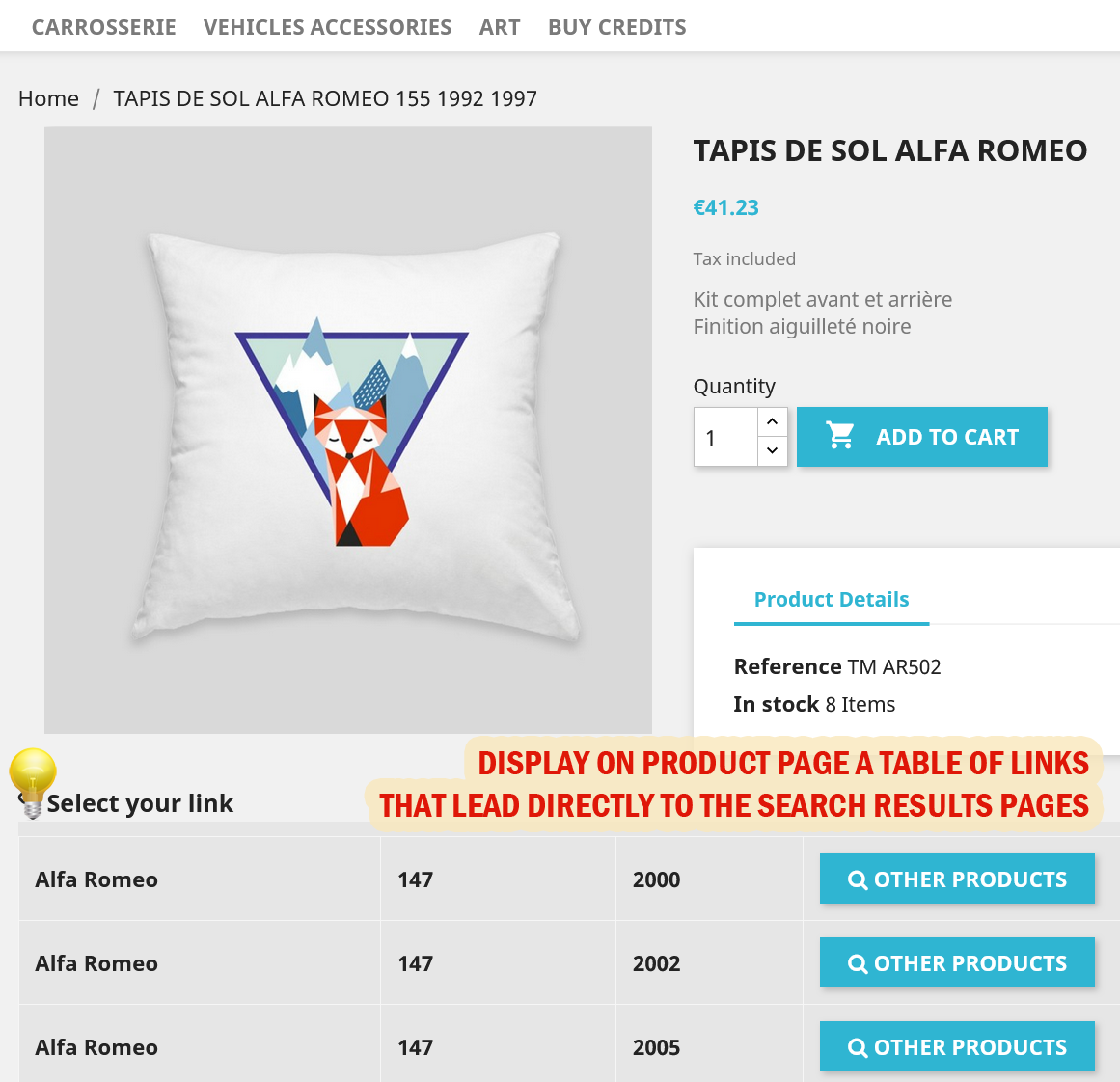
- Display a table in your product pages containing a list of generated links that lead directly to the search results pages.
- Metas SEO (H1 tag, meta title, description and keywords, robots indexation) and SEO Friendly URLs.
- Import/Export feature letting creating quickly associations between your items using a CSV or Excel file. This feature can be used also to create the missing items in your database during import process to save time.
- Multi-languages and Multi-shops.
- Responsive design (compatible small screens).
- And many other options you can discover them through our demo!
III- FRONTOFFICE BEHAVIOR:
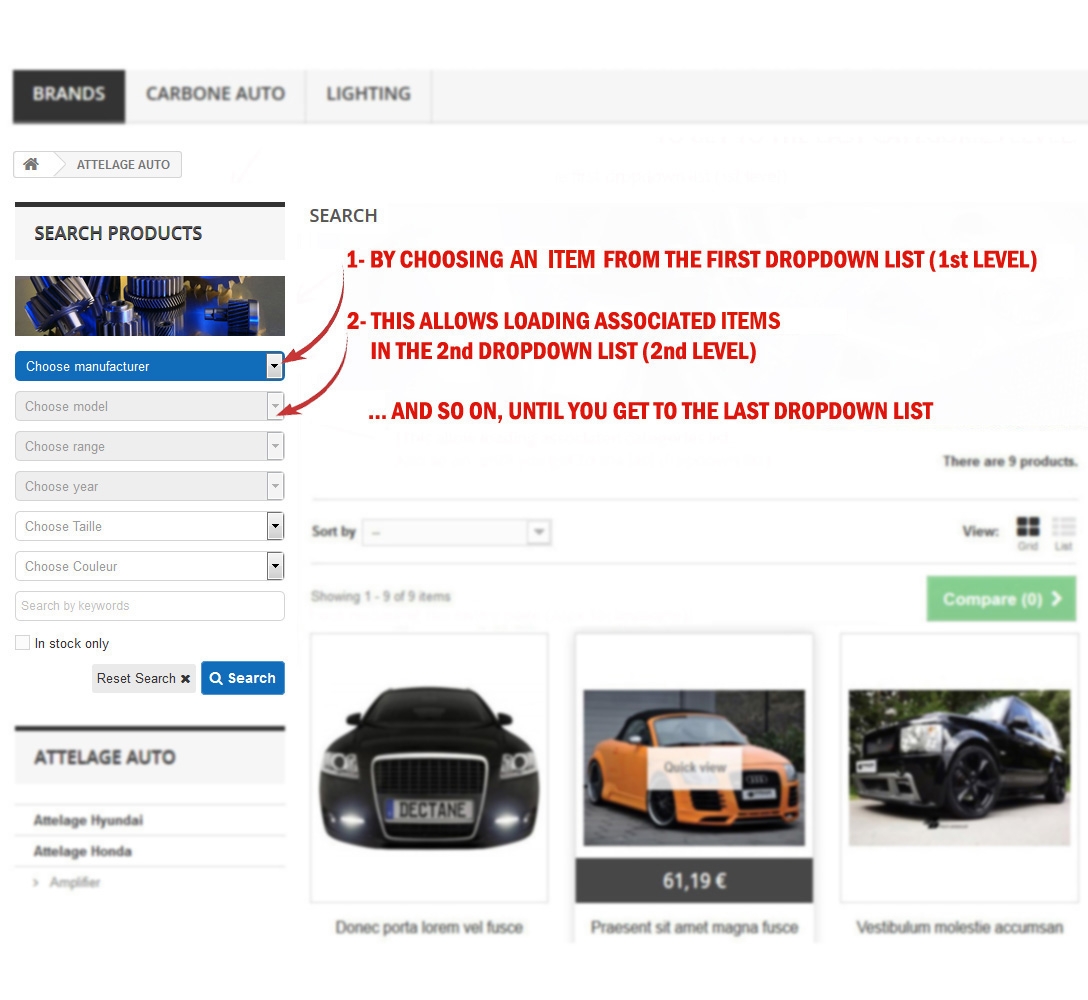
- Find products using step-by-step drop-down lists.
- Selecting an option from the first drop-down list (first level) will cause the dynamic loading of the values into the next drop-down list and so on until reaching the last level.



Comments (0)
Your review appreciation cannot be sent
Report comment
Report sent
Your report cannot be sent